


2/11/2026, 12:37:39
What to Check Daily, Weekly, and Monthly — And Why
Website issues rarely start as disasters.
They begin as small signals:
A failed login.
A 200ms latency spike.
A plugin update skipped.
A certificate with 27 days left.
The difference between stress and stability is not reacting faster.
It’s checking the right things at the right cadence.
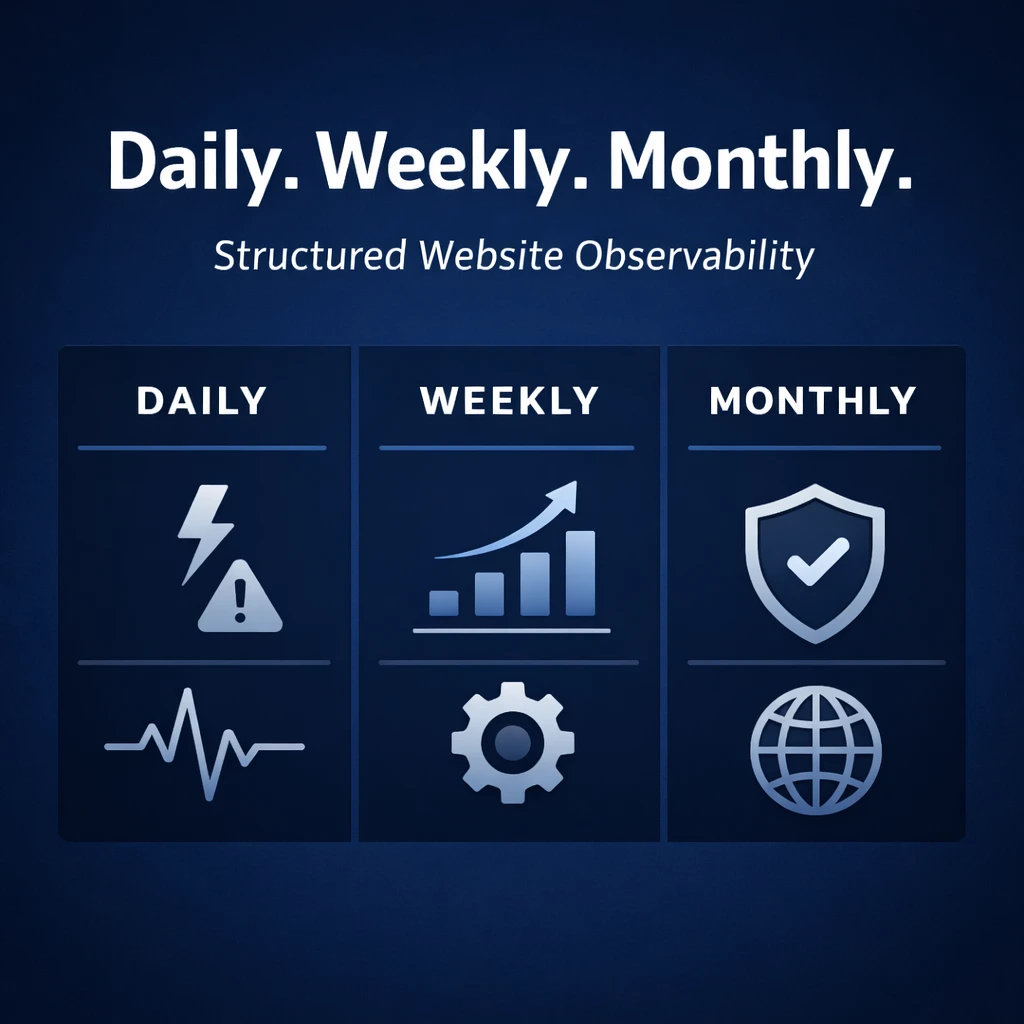
This guide translates observability into a practical rhythm: what to review daily, weekly, and monthly — and why each layer matters.
The Daily Layer: Detect Instability Early
Daily checks are about immediate risk.
Not optimization. Not perfection.
Just answering one simple question:
“Is anything actively breaking right now?”
1. Uptime & Response Time
Why it matters:
Downtime costs trust immediately. Slow response time is often the first signal of server strain, plugin conflict, or database overload.
Check:
- Uptime status (100%? Partial?)
- Sudden response time spikes
- Significant latency differences
What it signals:
- Hosting issues
- Resource exhaustion
- Traffic spikes
- Failed deployments
Daily review prevents small incidents from becoming prolonged outages.
2. Security Alerts & File Integrity Changes
Why it matters:
Compromises rarely start visibly.
They start with changed files.
Check:
- Unexpected file modifications
- Core or plugin checksum mismatches
- Malware scan warnings
What it signals:
- Exploit attempts
- Vulnerable plugins
- Unauthorized changes
- Deployment mistakes
Early detection keeps incidents small and recoverable.
3. SSL Certificate Status
Why it matters:
An expired certificate instantly breaks trust — and sometimes payment flows.
Check:
- Expiry countdown
- Chain validity
- Renewal automation status
What it signals:
- Renewal failures
- Misconfigured reverse proxies
- DNS misalignment
This is a 30-second check that prevents visible embarrassment.
4. Critical Errors (PHP / Database)
If your system collects:
- PHP fatal errors
- Database connection errors
- White screen incidents
Scan for:
- Sudden error bursts
- Repeating patterns
- Errors tied to a recent update
You’re not debugging daily.
You’re watching for spikes.
Spikes indicate structural problems.
The Weekly Layer: Detect Drift
Daily checks prevent collapse.
Weekly checks prevent silent decay.
This is where you look for patterns, not incidents.
1. Plugin & Core Update Status
Why it matters:
Outdated software is the #1 WordPress risk factor.
Check:
- Pending updates
- Plugins inactive but installed
- Abandoned plugins
- Major version jumps
Weekly updates reduce vulnerability windows dramatically.
2. Performance Trends (Not Spikes)
Why it matters:
Speed rarely collapses overnight. It drifts.
Look for:
- Gradual response time increase
- Larger page sizes
- Growing TTFB
- Database slowdowns
Performance degradation often indicates:
- Plugin bloat
- Poor caching
- Growing database tables
- Hosting saturation
Weekly trend review keeps technical debt visible.
3. Layout & Visual Changes
If you use visual diff monitoring:
Check:
- Unexpected layout shifts
- Missing elements
- Broken forms
- Changed CSS
This catches:
- Theme update conflicts
- CDN caching issues
- Plugin styling clashes
- Content editor mistakes
Most business owners don’t manually re-check their site every week.
Visual monitoring does.
4. Failed Login Patterns
Look for:
- Sudden bursts of failed logins
- Repeating IPs
- Admin account targeting
This signals:
- Brute-force attempts
- Bot activity
- Credential stuffing
Weekly review helps you adjust:
- Firewall rules
- Rate limits
- Two-factor enforcement
The Monthly Layer: Strategic Health Review
Monthly checks answer a different question:
“Is this website structurally healthy?”
Not just “working.”
1. Domain Expiration & DNS Health
Check:
- Domain expiration timeline
- Auto-renew status
- Nameserver configuration
This prevents catastrophic but avoidable outages.
2. Backup Integrity
Backups are useless if they fail silently.
Check:
- Last successful backup date
- Storage integrity
- Restore test (quarterly minimum)
A working restore process is more important than a green “backup successful” label.
3. Security Posture Overview
Review:
- User roles & permissions
- Removed team members
- Admin accounts
- API keys
- Installed plugins
Ask:
- Does everything here still need to exist?
- What is legacy?
- What is unused?
Reducing surface area reduces risk.
4. Correlation Review (The Observability Layer)
Look at:
- Did performance dips align with plugin updates?
- Did error spikes align with traffic bursts?
- Did layout shifts align with deployments?
- Did security attempts align with version exposure?
This turns raw signals into insight.
It’s not about reading more data.
It’s about connecting it.
Why Cadence Matters More Than Volume
Many site owners either:
- Ignore everything until something breaks
or - Obsessively check dashboards without structure
Both create stress.
A structured cadence does three things:
- Reduces cognitive load
- Prevents blind spots
- Turns observability into routine
And routine creates calm.
A Simple Reference Checklist
Daily (5 minutes)
- Uptime & latency
- Security alerts
- SSL validity
- Critical error spikes
Weekly (20–30 minutes)
- Plugin & core updates
- Performance trends
- Visual diffs
- Failed login patterns
Monthly (45–60 minutes)
- Domain & DNS
- Backup verification
- User permissions
- Security surface review
- Cross-signal correlation
Who This Cadence Is For
This structure is especially useful if you:
- Run a self-hosted WordPress site (VPS, Lightsail, custom stack)
- Manage 5–50 client websites
- Don’t have enterprise monitoring
- Want reassurance without over-monitoring
It creates clarity without noise.
The Hidden Benefit: Confidence
When you check the right things at the right time:
- You don’t panic over small fluctuations.
- You don’t ignore weak signals.
- You don’t discover problems months too late.
You move from reactive to aware.
And awareness compounds.
Key Takeaways
- Daily checks detect active instability.
- Weekly checks detect drift and vulnerability buildup.
- Monthly checks protect structural integrity.
- Observability is not constant attention — it’s structured attention.
- Small, consistent reviews prevent large, stressful recoveries.
If our previous post explained how signals become decisions,
this article defines when to look so those signals stay meaningful.
Observability is not about more dashboards.
It’s about rhythm.
Know What’s Happening — Without Guessing.
WPMissionControl watches over your WordPress site day and night, tracking uptime, security, performance, and visual integrity.
AI detects and explains changes, warns about risks, and helps you stay one step ahead.
Your site stays safe, transparent, and under your control — 24/7.