


12/23/2025, 13:04:29
What Happens If You Rely Only on Hosting Monitoring Instead of Independent Monitoring?
Most hosting providers today include some form of monitoring.
Uptime checks. Server health. Sometimes even basic alerts.
For many website owners, this feels sufficient — and convenient.
After all, if something goes wrong, surely the host will tell me, right?
But relying only on hosting monitoring creates blind spots that often stay invisible until something breaks publicly, financially, or reputationally.
Let’s walk through what actually happens when hosting monitoring is your only safety net.
1. Hosting Monitoring Watches the Server — Not Your Website
Hosting monitoring is infrastructure-centric.
It typically checks:
- whether the server is running
- CPU, RAM, disk usage
- basic network availability
But your website is not the server.
From a visitor’s perspective, all of these situations look identical:
- the site is slow
- the site is broken
- the site shows errors
- the site looks wrong
- checkout doesn’t work
Yet the server may still be “up” and perfectly healthy.
Common failures that hosting monitoring often misses:
- PHP fatal errors
- broken themes or layouts
- plugin update conflicts
- JavaScript errors
- white screens
- partially rendered pages
- broken forms or payments
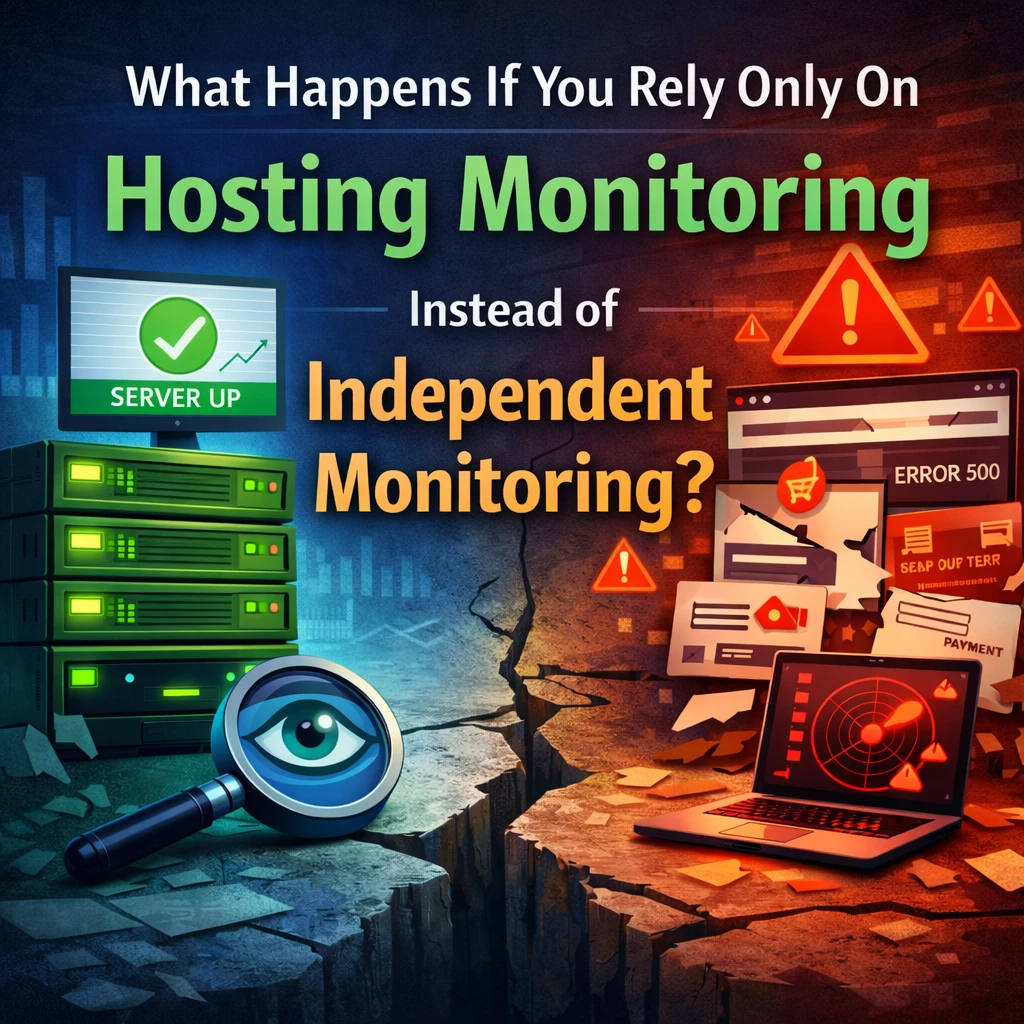
The host sees green. Your users see red.
2. Hosting Providers Are Not Neutral Observers
This part is uncomfortable — but important.
Your hosting provider is:
- the infrastructure vendor
- the party potentially responsible for outages
- the entity reporting on its own performance
That’s not wrongdoing — it’s a conflict of perspective.
Hosting monitoring answers the question:
“Is our system operational?”
Independent monitoring answers:
“Is your website actually working for real users?”
Those are very different questions.
An independent monitor has no incentive to downplay incidents, delay alerts, or reframe responsibility.
It simply reports what it sees.
3. Many Failures Don’t Trigger Host Alerts at All
Hosting alerts are often threshold-based:
- disk above X%
- load above Y
- service down for Z minutes
But many real-world problems don’t cross those thresholds.
Examples:
- a slow database query introduced by a plugin update
- a payment gateway timing out intermittently
- a JavaScript error breaking a critical button
- a layout shift hiding key content
- a login page that loads but doesn’t submit
From the host’s perspective, nothing is “down.”
From your customer’s perspective, the business is broken.
4. You Often Learn About Problems from Users First
One of the most common — and stressful — scenarios:
“A customer emailed saying the site is broken.”
At that point:
- the problem may have existed for hours or days
- revenue may already be lost
- trust may already be damaged
- analytics may show unexplained drops
- you’re reacting instead of responding
Hosting monitoring rarely tells you:
- what changed
- when it changed
- how the website actually looks
Independent monitoring exists specifically to detect problems before users do.
5. Hosting Monitoring Stops at the Server Boundary
Modern websites depend on external systems:
- CDNs
- DNS providers
- SSL certificates
- third-party APIs
- payment gateways
- email services
Your server can be healthy while:
- SSL expires
- DNS misconfigures
- CDN caches break layouts
- external APIs fail silently
Hosting monitoring doesn’t watch these relationships.
Independent monitoring does — because it observes the website as a whole, not just the machine it runs on.
6. Visibility Changes Behavior
This is subtle, but powerful.
When you know:
- uptime is independently tracked
- changes are detected
- layouts are compared
- health scores are calculated externally
You tend to:
- update more carefully
- test more consciously
- treat maintenance as an ongoing responsibility
- document changes
- respect the production environment
Monitoring doesn’t just detect issues.
It changes how systems are treated.
7. Hosting Monitoring Is a Safety Net — Not a Strategy
To be clear: hosting monitoring is not useless.
It’s valuable for:
- infrastructure failures
- severe outages
- server-level emergencies
But it was never designed to:
- represent the user experience
- validate business functionality
- provide accountability
- offer independent verification
Relying on it alone is like trusting a car’s engine light to tell you whether the headlights work.
The Real Question Isn’t “Is the Server Up?”
The real question is:
“Is my website doing what it is supposed to do — right now?”
That question requires:
- independence
- external perspective
- user-level observation
- historical context
- accountability
Hosting monitoring can’t provide that — by design.
Final Thought
Most website failures aren’t dramatic crashes.
They’re quiet, partial, and invisible — until someone complains.
Independent monitoring exists for one reason:
to tell you the truth about your website, even when everything appears fine.
Not instead of hosting monitoring —
but beyond it.
Know What’s Happening — Without Guessing.
WPMissionControl watches over your WordPress site day and night, tracking uptime, security, performance, and visual integrity.
AI detects and explains changes, warns about risks, and helps you stay one step ahead.
Your site stays safe, transparent, and under your control — 24/7.