


2/25/2026, 11:59:32
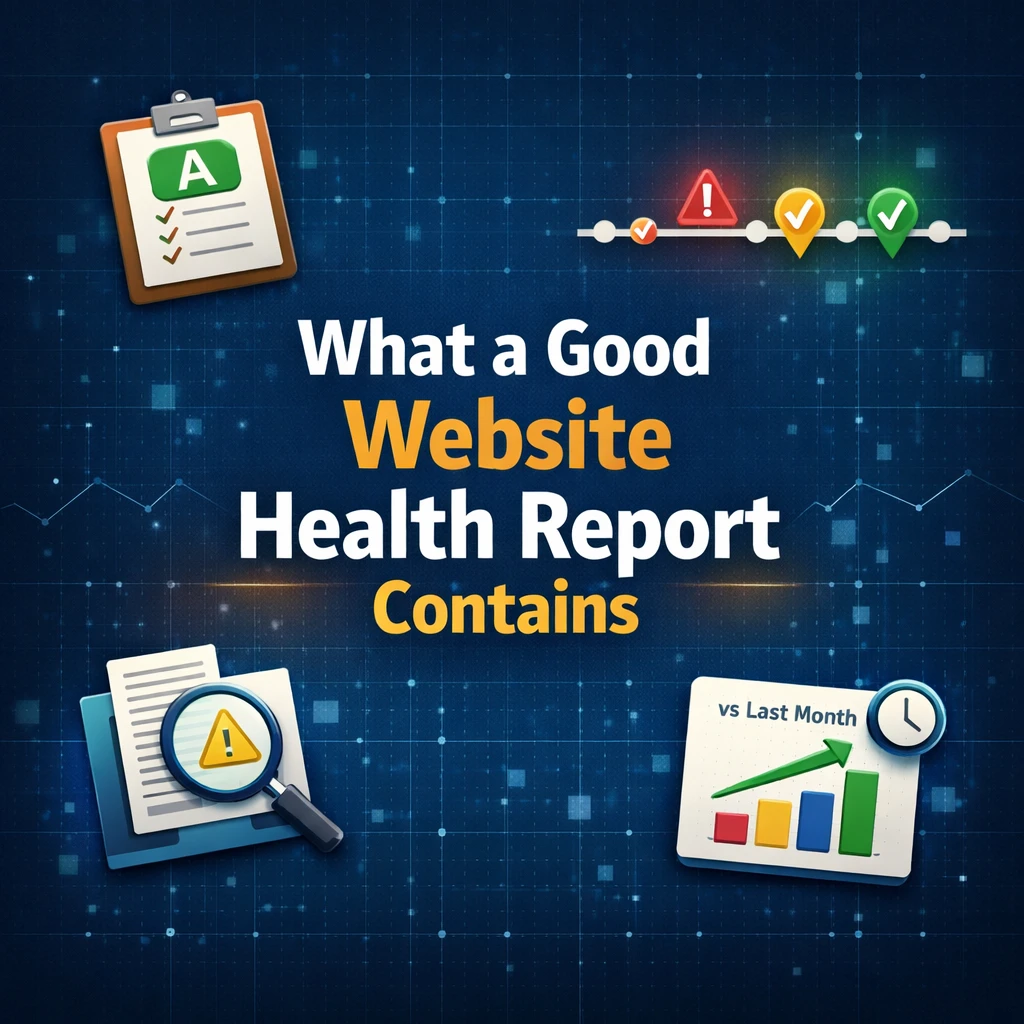
What a good website health report actually contains
In the previous article, we explained why we designed WPMissionControl around interpretation, not alerts.
This article answers the practical follow-up:
If alerts are not enough, what should a good website health report actually contain?
Not a list of raw metrics.
Not a wall of graphs.
Not 17 unrelated widgets.
A good report should help someone understand:
- What changed
- What matters
- What requires action
- What is stable
Let’s break that down.
A Clear Overall State (Not Just Metrics)
A good report starts with a clear summary state.
Not:
- Uptime: 99.982%
- SSL: Valid
- Plugins: 27
- Response time: 428ms
But something like:
Overall Website Health: A (Stable)
No critical issues detected in the last 7 days.
Or:
Status: Degraded
1 critical issue, 2 warnings detected.
Humans think in states, not in decimals.
This is why we introduced a health scoring concept inside WPMissionControl — not as a marketing gimmick, but as a compression layer for operational reality.
If a CEO reads the first 10 seconds of your report, they should understand whether they can relax or not.
A Timeline of Meaningful Events
Certainty does not come from static numbers.
It comes from context over time.
A strong report contains:
- Incidents (downtime, errors)
- Structural changes (plugin removal, file changes)
- Expired or expiring certificates
- Significant performance shifts
- Detected anomalies
But not every minor fluctuation.
Noise kills trust.
A useful timeline answers:
- What happened?
- When did it happen?
- Was it resolved?
- Did it repeat?
Without this, you’re staring at isolated data points — and guessing.
Signal Prioritization (Severity Levels)
Not everything deserves the same visual weight.
A good report distinguishes clearly between:
- 🔴 Critical — immediate action required
- 🟡 Warning — something changed, review recommended
- 🟢 Informational — no action needed
When everything looks urgent, nothing is.
When everything looks calm, hidden problems grow silently.
Proper prioritization reduces anxiety while preserving awareness.
Changes, Not Just Status
Status tells you how things are now.
Changes tell you what moved.
A proper website health report should include:
- Plugins added/removed
- Core updates
- File integrity changes
- Visual layout differences (if applicable)
- New recurring errors
For WordPress sites specifically, structural drift is common. Plugins disappear. Files change. APIs disconnect quietly.
You’ve seen this pattern in cases like:
- Plugin suddenly missing
- Checkout integration silently failing
- Email reputation damaged due to hidden malware
These are not uptime problems.
They are change detection problems.
That’s where interpretation matters more than pings.
A Short Human-Readable Summary
This is where most reports fail.
They provide data — but no narrative.
A good health report ends with something like:
This week your website remained stable.
One plugin update was applied successfully.
No integrity issues detected.
Performance remained within normal range.
No action required.
Or:
Your site experienced 2 short downtime incidents (3–4 minutes).
A plugin was removed on Tuesday.
SSL certificate will expire in 21 days.
Recommended action: renew SSL and review plugin change.
This section reduces cognitive load dramatically.
For agencies, this is gold.
For business owners, this is reassurance.
For developers, this is clarity.
Proof of Invisible Work
Especially in maintenance contexts.
A proper report should show:
- What was monitored
- What was checked
- What was verified
- What did not break
Silence alone is not proof of safety.
Visible monitoring creates trust.
This is one reason why public status pages and health scores exist — not just for technical insight, but for psychological stability.
And if you’re running a WordPress maintenance agency alongside WPMissionControl, reports are not just diagnostics — they’re relationship infrastructure.
They show value where nothing exploded.
Historical Comparisons
A useful report answers:
- Is this worse than last month?
- Are incidents increasing?
- Is performance degrading?
- Is error frequency trending upward?
Without historical context, you cannot detect slow decay.
Many systems show current state.
Few show trajectory.
Trajectory is where operational risk hides.
What a Bad Website Report Looks Like
To sharpen the contrast:
- 14 graphs, no explanation
- Raw uptime percentages without context
- Alerts forwarded without interpretation
- No prioritization
- No summary
- No change tracking
- No actionable recommendations
That is monitoring.
Not observability.
The Core Principle
A good website health report:
- Reduces uncertainty
- Reduces anxiety
- Reduces guesswork
- Reduces unnecessary action
While preserving:
- Awareness
- Early detection
- Context
- Confidence
If the report increases confusion, it failed.
If it increases clarity, it works.
Conclusion
Dashboards measure.
Reports explain.
Alerts notify.
Interpretation reassures.
That is why in WPMissionControl we focused on interpretation layers, severity compression, and human-readable summaries — instead of building another alert cannon.
Because operational certainty does not come from more data.
It comes from structured understanding.
Key Takeaways
- A good website health report starts with a clear overall state
- It shows meaningful events over time
- It prioritizes signals by severity
- It tracks changes, not just uptime
- It includes a human-readable summary
- It proves invisible maintenance work
- It provides historical comparison
More dashboards don’t create certainty.
Better interpretation does.
Know What’s Happening — Without Guessing.
WPMissionControl watches over your WordPress site day and night, tracking uptime, security, performance, and visual integrity.
AI detects and explains changes, warns about risks, and helps you stay one step ahead.
Your site stays safe, transparent, and under your control — 24/7.